Step 1:
Head over to booking - Create booking.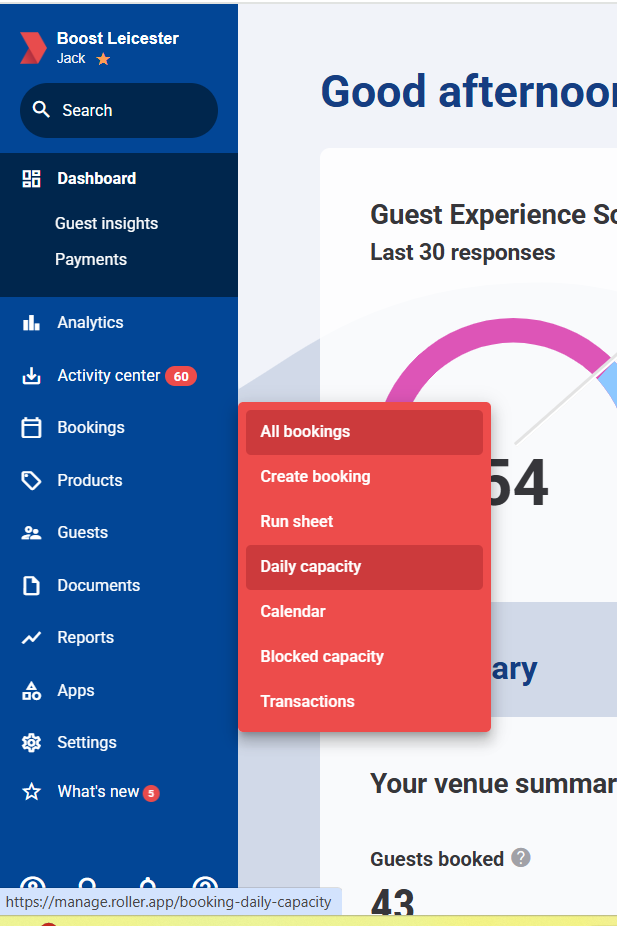
Step 2:
Take the booking details. You need the customers email address, full name and phone number. Then click Add booking holder at the bottom.
Step 3:
On the right hand side. Select the date of the booking. Click the product box and search for the product you need. Press search.
Step 4:
Select your products and how many you need and add them to the booking.
Step 5:
Press the take payment button at the top. You can send them a payment link. If they want to pay in person you'll need to switch to POS search for the booking you just made and take the payment that way.
Was this article helpful?
That’s Great!
Thank you for your feedback
Sorry! We couldn't be helpful
Thank you for your feedback
Feedback sent
We appreciate your effort and will try to fix the article