Step 1: Log in to the POS
Step 2: Select the 'Memberships' button along the left hand side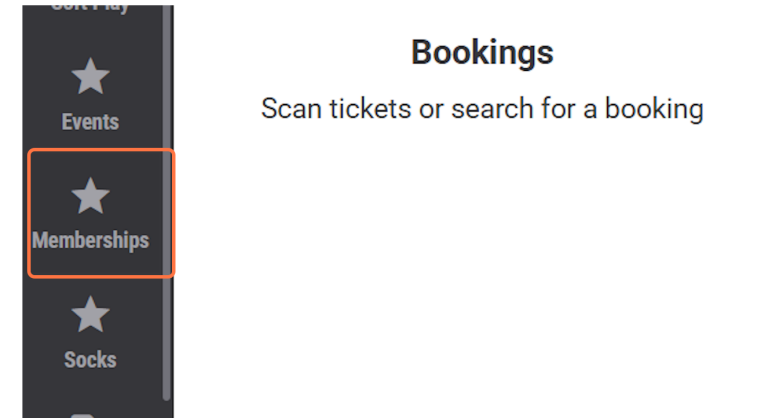
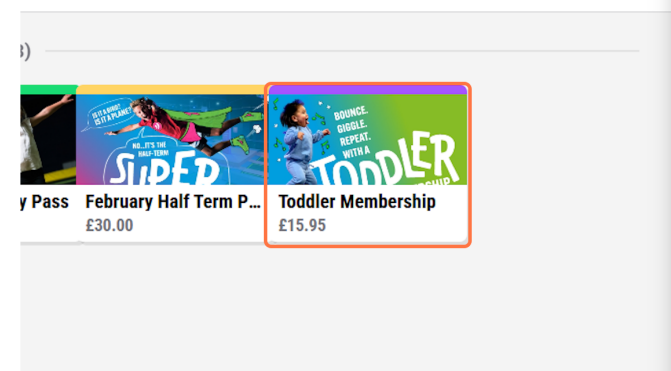
Step 3: Select the correct Membership the customer would like to purchase, for this example I am using the 'Toddler Membership'
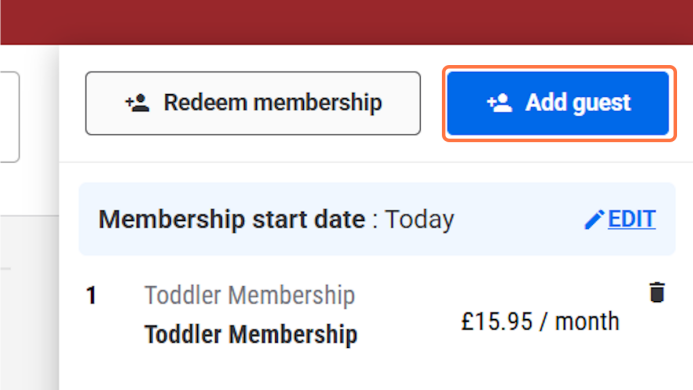
Step 4: Select Add Guest
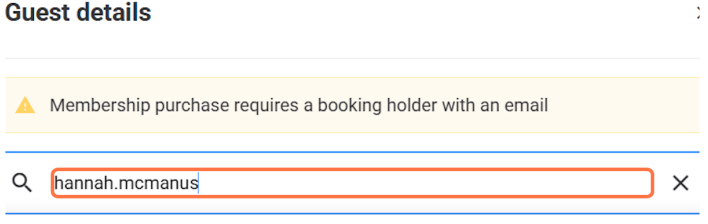
Step 5: Type the guests email or if they are a new customer take their details and create an account
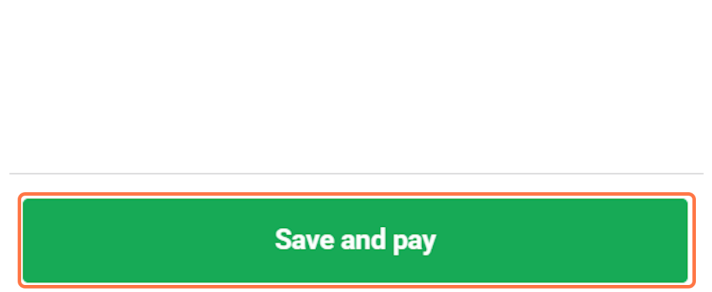
Step 6: Once the customer has been added click on Save and pay
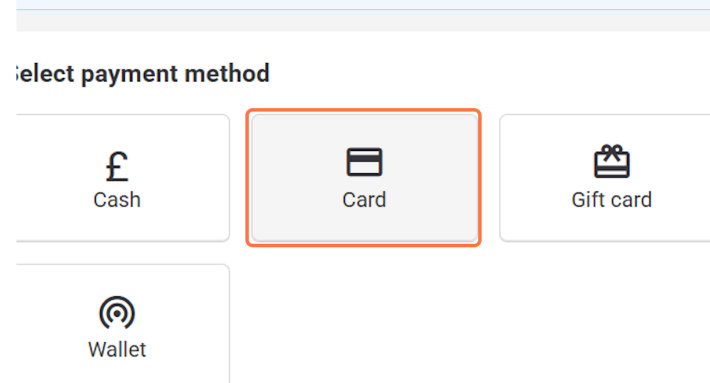
Step 7: Click on Card Card details are required to process recurring payments. Please ask the customer to enter these themselves.
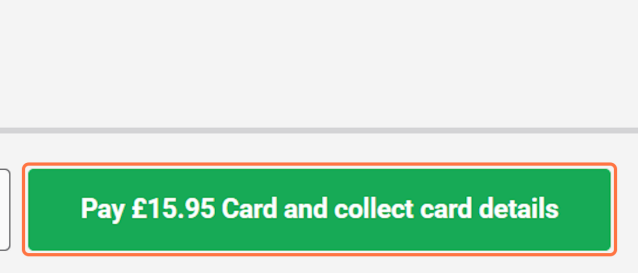
Step 8: Click on Pay 'X' Card and collect card details
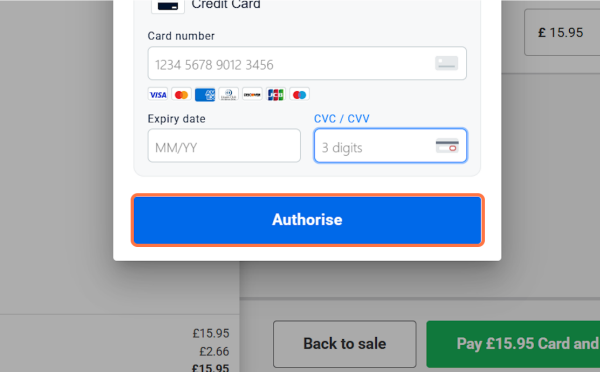
Step 9: Once the card details have been entered, get the customer to double check they are correct and then click on Authorise
Please see below for a video guide:
Was this article helpful?
That’s Great!
Thank you for your feedback
Sorry! We couldn't be helpful
Thank you for your feedback
Feedback sent
We appreciate your effort and will try to fix the article