You can reschedule an entire booking or just selected tickets on the booking.
If a ticket has already been redeemed, you’ll need to un-redeem it first before rescheduling.
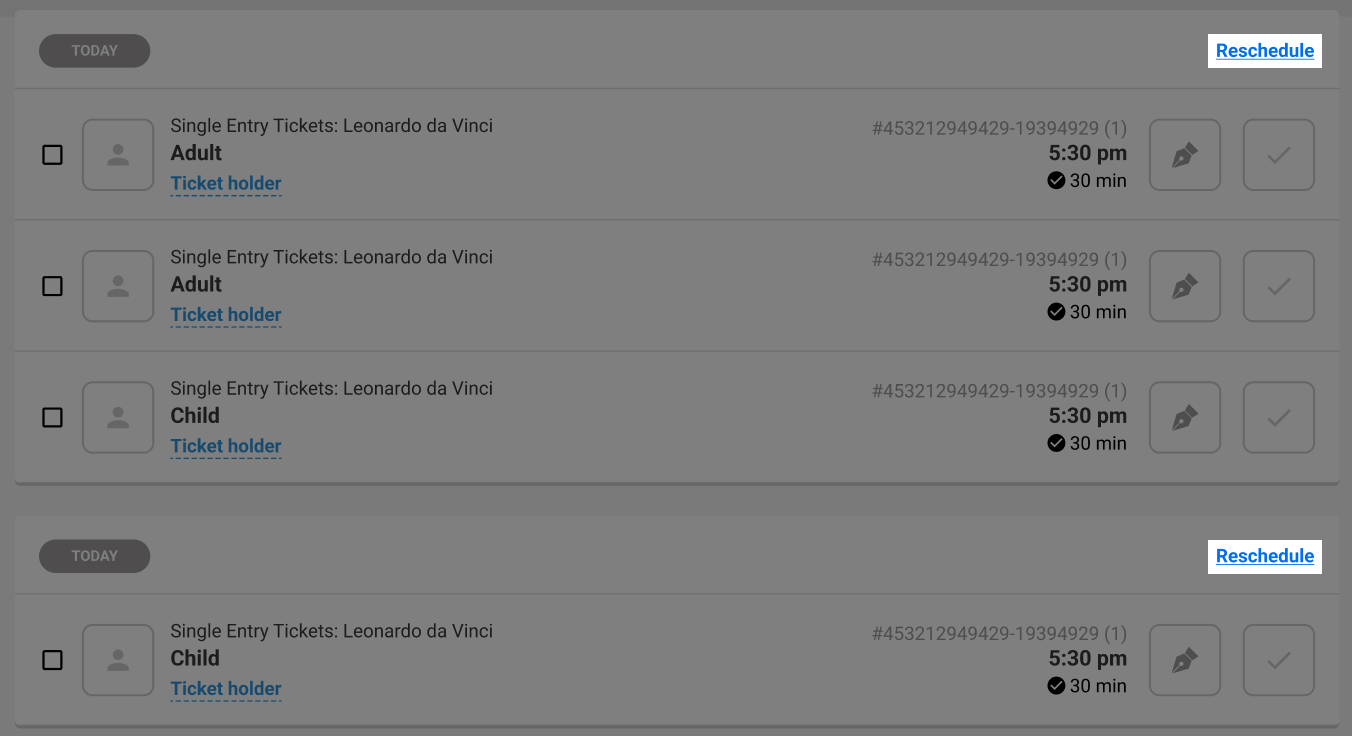
Reschedule a booking
- With the booking open at POS, select Reschedule.
- Select the items you’d like to reschedule, then choose Reschedule.
- On the calendar, choose the date to reschedule to. For session passes, you’ll also select a new session time.
- Finally, select Confirm. ROLLER moves all booking details, including any signed waivers to the new booking time.
Please see below a video guide:
Was this article helpful?
That’s Great!
Thank you for your feedback
Sorry! We couldn't be helpful
Thank you for your feedback
Feedback sent
We appreciate your effort and will try to fix the article