1. Find said membership by searching the booking name in the search bar.
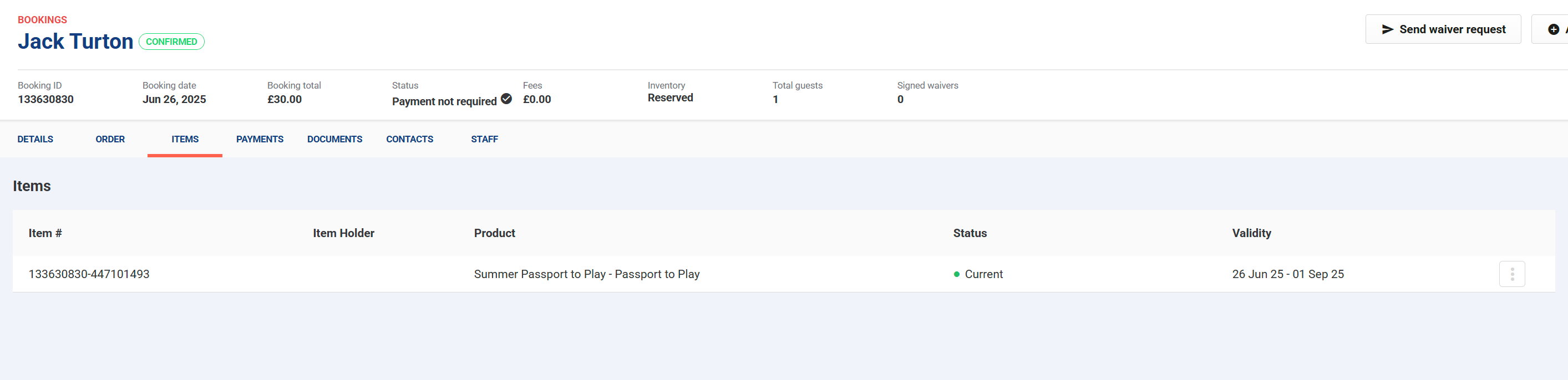
2. On the items tab, it should display the duration of the membership.
3. On the order tab, next to the trash can on the right hand side theres a calandar icon.
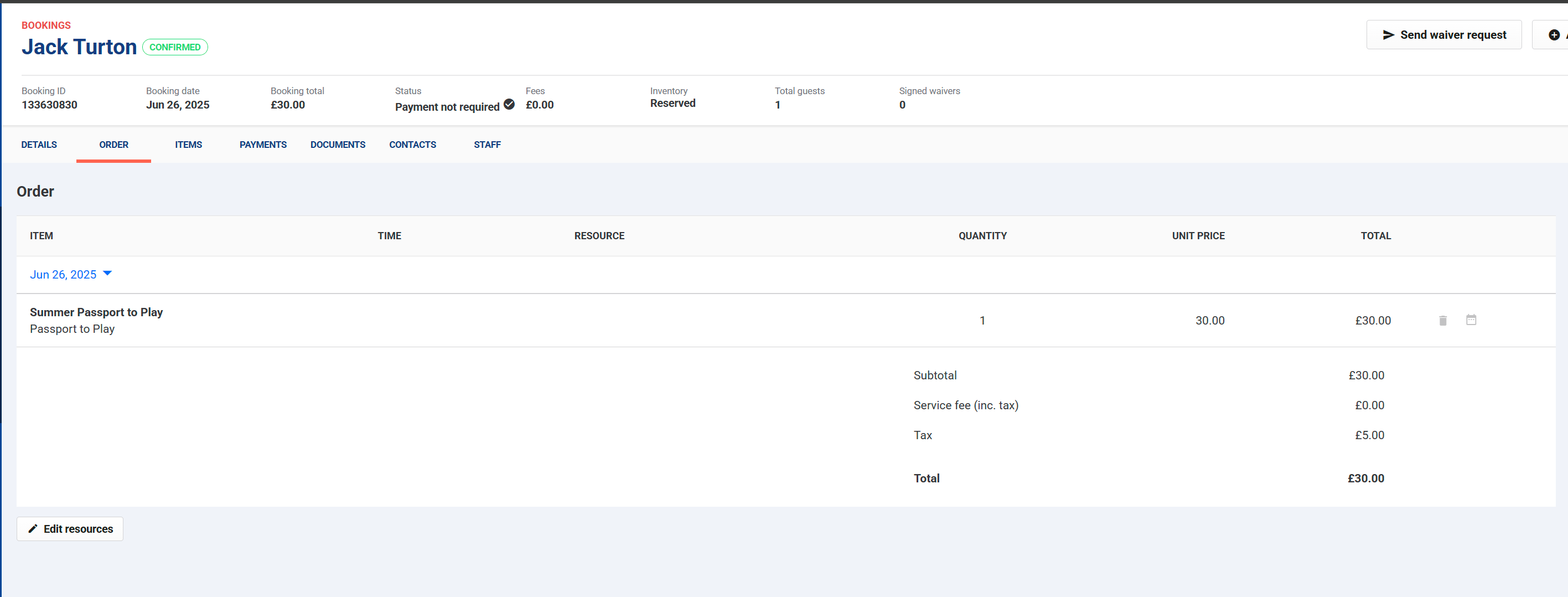
4. Selecting a date on that calandar will change the expiration date for the membership.
Was this article helpful?
That’s Great!
Thank you for your feedback
Sorry! We couldn't be helpful
Thank you for your feedback
Feedback sent
We appreciate your effort and will try to fix the article